
How Praxia works, from first conversation to first week
Praxia is set up with you by a person, not left to you as a manual and a login. This page walks through that onboarding, then shows how a day in the clinic is meant to run once you are on.
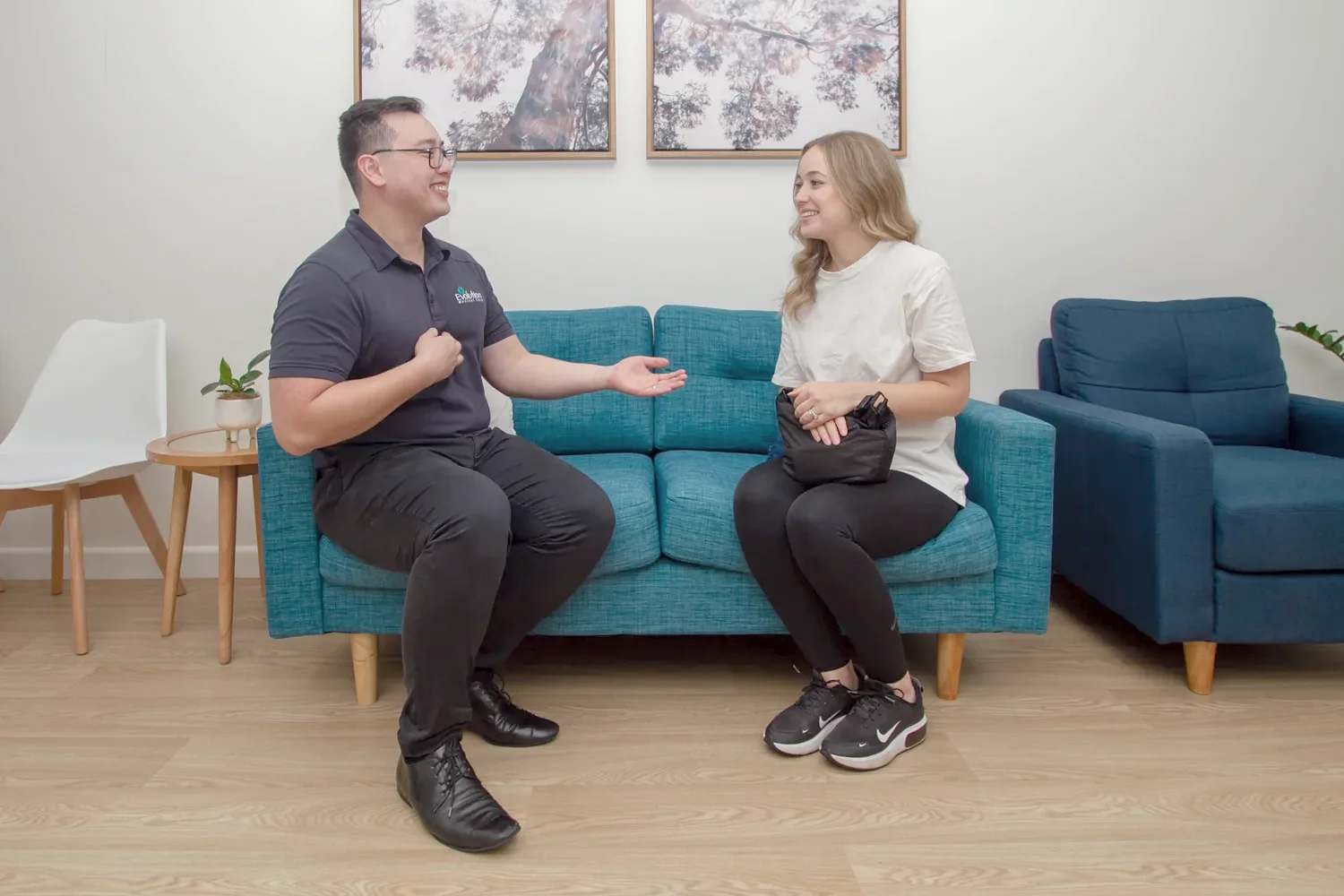
Onboarding is run by a person
Praxia is a pilot-stage product, so onboarding is hands-on. A Praxia operator runs a guided set-up session with the clinic owner. We have not yet timed a full setup, so we do not quote how long it takes.
The switch is planned with you, not flipped on day one. We agree what moves, check it, and only then change over.

The steps
- Request a walkthrough. You tell us about your clinic. We will reply to arrange a time.
- Walkthrough and fit check. We show you the product and ask about your disciplines, practitioners and current system. If it is not a fit yet, we say so.
- Data look. We review what your current system can export and agree what would carry across. For clinics on Ovatu there is a written path; see switching. Other systems are handled by conversation.
- Guided set-up session. Roster, practitioners, visit types and roles are set up with the owner, with the operator driving.
- Load and check. Agreed data is loaded, counts and fields are compared, and messaging stays off until the checks pass.
- Change-over and support. You pick the day. You can contact us by email or phone in the first weeks.
Where you start from Ovatu, the tooling has been rehearsed on sample data and has not yet been run for an external clinic.
Once you are set up: one chain of records, not separate tools
The idea behind Praxia is that the diary, the visit, the clinical note and the follow-up are one chain of records, so the same patient is not re-keyed between the diary and the visit.
Diary and roster
Each clinician has a day and week schedule grid, with statuses shown in words and colour. Rosters are set by week and copied forward, with clashes flagged before they become double bookings. Bookings made on your clinic calendars arrive as visit records, and cancellations and reschedules sync.
Notes and letters
Visit notes are written in SOAP sections that autosave, warn on edit conflicts, keep an edit history, and cannot be signed off until the clinic’s rules are met. Praxia can draft a first-pass referral or discharge letter to a GP, and a clinician reviews and approves every draft before anything is sent.
Follow-up
Patients whose visits stop are grouped into recall cohorts by time since last attended, using rules the clinic sets. Recall and reactivation are part of the pilot product, and we switch them on for each clinic during onboarding. Praxia records opt-outs, and patients can set their own communication preferences.
Reports
Owners and practice managers get a reports page filterable by date and clinician, covering bookings per day, no-show rate, revenue per visit, new patients, visit types, lapsed patients, visits per patient, retention and recall reactivation. It is for management roles only, and it starts empty on a new clinic.
Payments
Private health fund claiming through Tyro Health is part of the pilot product. It has been built and run end to end on Tyro’s staging environment. Card payments at the front desk through Tyro Health are part of the pilot product too.
Who sees what, and where records live
Access is role based, so reception, clinicians and owners see what suits each job. Each clinic’s records are kept isolated from every other clinic’s, with role-based access and an audit trail of key actions. Some service providers we use are overseas, and each is disclosed in our privacy policy.
The detail is on the security, privacy and data residency page.
What we cannot promise yet
We do not publish timelines for onboarding, because we have not yet run it for an outside clinic. We do not publish customer numbers or results. Whether set-up carries a separate fee has not been decided; see pricing. For the full feature list, go to all features.
Where Praxia is today
Praxia is being piloted with Evolution Medical Care, a clinic run by Praxia’s founders, and is being onboarded to it now. Praxia Clinical Solutions is an Australian company, currently in incorporation.
We do not publish customer counts, testimonials or results, because there are none to publish yet.
Onboarding questions
Do I get a trial login to try it myself?
Not before onboarding. Praxia is onboarded by a person and starts with a walkthrough. There is a 30 day free trial that starts once a person from Praxia has completed your onboarding (the guided set-up session and the load check). Nothing is charged during the trial, and no card is needed to start. Until onboarding is done, use sample data only. Do not enter real patient information. See the pricing page for the offer.
Who sets Praxia up?
A person from Praxia runs the set-up session with the clinic owner.
Does my old system switch off on day one?
No. We agree what moves, check it, and only then change over.
What if I am on Cliniko, Nookal or another system?
Talk to us. We have rehearsed tooling for Ovatu only, so other systems are handled by conversation.
How much owner time will it take?
We have not yet timed a full setup, so we do not quote how long it takes.
Request a walkthrough
Praxia is working with a pilot clinic. Request a walkthrough and we will tell you honestly whether it fits yet. We will reply to arrange a time.
Please leave out any patient information. How we handle your details is set out in our privacy policy.
Not ready to talk? Join early access and we will be in touch when we can onboard more clinics.