
Switching to Praxia from Ovatu, step by step
Moving clinic software is a big job, so this page says plainly what we can move, what stays behind and what we do not know yet. If you are on Ovatu, there is a written path. If you are on another system, such as Cliniko or Nookal, we have not built or tested a path for it, so we start with what it can export. The migration checklist works for any system, and you can request a walkthrough to talk it through.
Where we start: Ovatu
Praxia began inside a clinic that has been on Ovatu, and our migration tooling was written against Ovatu data. For clinics moving from Ovatu, Praxia can load patients, visit history and last attended date, check counts and fields afterwards, and keep messaging off until the checks pass.
Here is the honest status: the tooling has been rehearsed on sample data. It has not yet been run for an external clinic. Your move would be among the first, and we would rather say so than let you find out halfway through.
That is why this is a conversation and not a button. We look at your data together before either of us commits to anything.
What moves, and what does not
What we aim to carry across from Ovatu
- Patient records, meaning the people in your database and their contact details
- Visit history, meaning the list of past appointments for each patient
- Last attended date, which matters most for recall and for finding patients who have drifted away
What we check before anything changes over
- Patient and visit counts, compared between the old system and Praxia
- Field by field spot checks, so a date of birth is still a date of birth
- Messaging stays off until those checks pass, so no patient receives a message built on bad data
What does not move today
- Historical clinical notes stay in Ovatu. Keep an export or keep read access for as long as your record-keeping obligations require.
- Invoice and payment history stay in Ovatu. Your accounting records remain your accounting records.
- Anything not listed under the first heading should be treated as not moving until we have confirmed it with you in writing.
Please check your own record-keeping duties with your professional body or adviser. Praxia does not hold your old system’s records for you unless we have agreed that in writing.
The path, in order
This is the sequence we follow. We have not set times against the steps, because we have not yet run it for an outside clinic and we will not guess.
- 1. Enquiry. You send the walkthrough form or ring us. A person replies by email to arrange a time.
- 2. Conversation and fit check. We ask about your disciplines, practitioners, sites and what you use today. If Praxia is not a fit yet, we say so.
- 3. Data look. We review what your current system can export and agree, item by item, what would carry across.
- 4. Operator-led set-up. A person from Praxia runs a guided set-up session with the owner. We have not yet timed a full setup, so we do not quote how long it takes. This is a target, not a measured result.
- 5. Load and check. We load the agreed data, compare counts and fields, and fix what does not match. Messaging stays off.
- 6. Change-over. Only when the checks pass do we agree a date to start booking in Praxia.
- 7. Support after the change. You can contact us by email or phone while your team gets used to the new diary.
What you do, and what we do
You decide what moves, supply the export or access we need, review the checks and choose the change-over date. Your front desk should be involved early, because they will use the diary most.
We run the set-up, do the load, compare the numbers and tell you what we find. We do not switch anything on until you have seen the checks.
Bookings made on your clinic calendars flow into Praxia as visit records, and cancellations and reschedules sync. How your existing future bookings are brought across is one of the things we settle in the data look, not something to assume.
If you use a different system
Ovatu is the only system we have written and rehearsed tooling for. If you are on Cliniko, Nookal or another system, we will not claim a migration path we have not built. Talk to us. We will look at what your current system can export and tell you plainly what could come across and what would have to start fresh.
Starting fresh is a real option for some clinics: a clean list of current patients and a simple recall starting point can be enough. We would rather discuss that openly than oversell.
For a general, vendor-neutral view of the problem, read our guide to switching clinic software without losing records, or take the migration checklist.
Time, cost and terms
We are not promising a timeline for your move, and we are not promising that it is free. Pricing for the subscription is on our pricing page. Whether set-up or migration carries a separate charge has not been decided, and we will not leave it to a surprise. Whatever is agreed will be in writing before you commit.
Early access is open for clinics that are not ready to talk yet. Join early access and we will be in touch when we can onboard more clinics.
Where Praxia is today
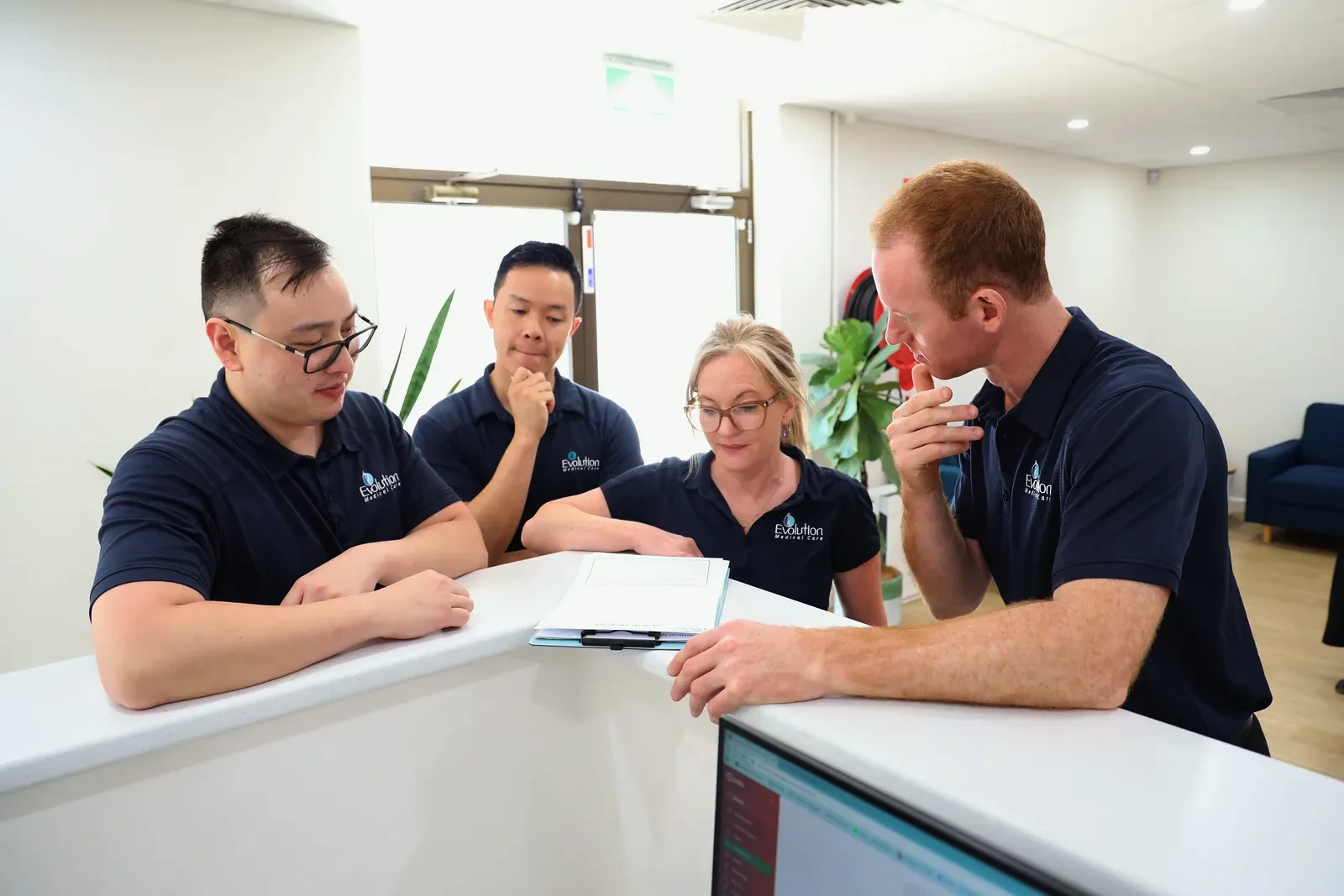
Praxia is being piloted with Evolution Medical Care, a clinic run by Praxia’s founders, and is being onboarded to it now. Praxia Clinical Solutions is an Australian company, currently in incorporation.
We do not publish customer counts, testimonials or results, because there are none to publish yet.
Switching questions
Can you move me from Ovatu?
That is what the tooling is written for. It has been rehearsed on sample data and has not yet been run for an external clinic. We would start with a conversation and a look at your data.
Will my clinical notes come across?
No. Historical clinical notes stay in Ovatu for now. Plan to keep an export or access for as long as you need it.
Will my invoice history come across?
No. Invoice and payment history stay in Ovatu.
How long will it take?
We cannot say yet. We have not run the move for an outside clinic, so any number would be a guess.
Is migration free?
That has not been decided. We will tell you before you commit to anything.
I use a different system. Can I still talk to you?
Yes. We have not built or rehearsed tooling for other systems, so the conversation is about what can be exported and what would start fresh.
Will my patients get messages during the move?
Messaging stays off until the count and field checks pass.
Request a walkthrough
Tell us what you run today and we will tell you honestly whether Praxia fits yet. Praxia is working with a pilot clinic. We will reply to arrange a time.
Please leave out any patient information. How we handle your details is set out in our privacy policy.
Not ready to talk? Join early access and we will be in touch when we can onboard more clinics.